SnapHide - PrivacyPix QuickRedact

Redact Sensitive Info! Protect Your Privacy, Share with Confidence

SnapHide - PrivacyPix QuickRedact is the ultimate solution for quickly and effectively removing sensitive information from your images. Whether you're sharing screenshots, photos, or documents, our intuitive tools ensure your privacy is protected in seconds.
Hero Illustration

Who Needs PrivacyPix QuickRedact?

Perfect for these common scenarios and professions

Social Media Users

Social Media Users

Blur personal info, license plates, or bystanders before posting

Professionals

Professionals

Redact client data, prices, emails from screenshots and documents

Journalists

Journalists

Anonymize sources and sensitive information in published materials

Parents & Families

Parents & Families

Protect children's privacy by blurring school names, addresses

                         
                     Why Choose PrivacyPix QuickRedact?

info

Download

SnapHide Classic - PrivacyPix QuickRedact

Download

SnapHide Premium - Contact snaphide@a1jbot.com Subject : Premium

illustrationillustration

Advanced Privacy Protection with Grade Security

SnapHide's success in providing industry-leading privacy solutions stems from our cutting-edge technology.

1

Permanent Data Redaction

SnapHide permanently removes sensitive information from images using military-grade algorithms.

2

Intelligent Auto-Detection

Our AI-powered detection automatically identifies sensitive information like faces, license plates, credit card numbers, and personal data. Save hours of manual work with one-click redaction that maintains precision while protecting privacy.

3

Cross-Platform Security

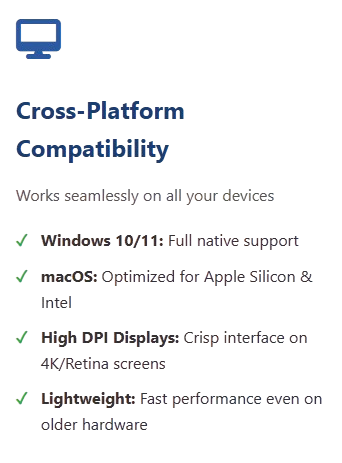
Work seamlessly across Windows, macOS, iOS, and Android with consistent security protocols.

IllustrationIllustration Illustration Illustration

What Our Users Say About SnapHide

Trusted by professionals across industries for reliable privacy protection

All Reviews
Legal Professionals
Healthcare
Business/Enterprise
Journalism/Media
Individual Users
🏥

Dr. Michael Chen

Medical Director | Research Hospital

★★★★★
"HIPAA compliance is non-negotiable in our research. SnapHide's local processing means patient medical images never leave our secure servers. We use it to redact patient identifiers from MRI scans and X-rays before sharing with research partners. The batch processing handles hundreds of files overnight. It's become essential for our data anonymization protocols."
Used for: 6 months Platform: macOS Enterprise
🏢

Robert Williams

IT Security Director | Fortune 500 Company

★★★★☆
"Deployed SnapHide across our organization for GDPR compliance. The audit logs are crucial for our compliance reporting. Employees can safely share screenshots without leaking sensitive data. We especially appreciate the cross-platform support - works seamlessly on corporate Windows laptops and employee iPhones. It has significantly improved our data security posture."
Used for: 10 months Platform: Enterprise License
📰

Elena Rodriguez

Investigative Journalist | News Network

★★★★★
"In investigative journalism, protecting sources is everything. SnapHide's military-grade encryption ensures whistleblower documents remain anonymous. The AI detection automatically finds and redacts faces, license plates, and location metadata. We've used it to safely publish hundreds of leaked documents. The peace of mind knowing redactions are permanent is invaluable."
Used for: 1 year Platform: Windows & Android
👤

James Wilson

Freelance Photographer

★★★★★
"I regularly share property photos with real estate clients. Before SnapHide, I spent hours manually blurring out family photos, documents, and personal items in background. Now it takes seconds. The one-click redaction is incredibly intuitive. The mobile app lets me redact photos right after shooting them. It has transformed my workflow efficiency."
Used for: 4 months Platform: iOS & Windows
🎓

Dr. Amanda Park

University Research Coordinator

★★★★☆
"Our psychology department uses SnapHide to anonymize participant photos in research studies. The precision redaction tools let us obscure faces while preserving facial expressions for analysis. The FERPA compliance features are perfect for educational institutions. We've trained 50+ researchers to use it effectively. Support was excellent when we needed help with bulk processing."
Used for: 7 months Platform: Academic License
🏡

Lisa Thompson

Real Estate Broker | Agency Owner

★★★★★
"When listing homes, we need to remove personal items, family photos, and sensitive documents from property photos. SnapHide's AI detection spots these automatically. What used to take 30 minutes per property now takes 5 minutes. The mobile app is perfect for on-site redactions. Clients appreciate the professionalism, and we've avoided several privacy concerns."
Used for: 5 months Platform: iOS & macOS
🏛️

David Miller

Government Agency FOIA Officer

★★★★☆
"Processing FOIA requests requires careful redaction of sensitive information. SnapHide meets our strict security requirements for handling classified materials. The audit trail provides perfect documentation for our compliance reviews. We've processed thousands of documents without a single data leak. The enterprise support team is responsive and understands government needs."
Used for: 1.5 years Platform: Government License

Help and Frequently Asked Questions

Find answers to common questions about SnapHide PrivacyPix QuickRedact

What is SnapHide PrivacyPix QuickRedact and how does it work?
SnapHide PrivacyPix QuickRedact is a professional privacy protection tool that permanently removes sensitive information from images and documents. It uses advanced algorithms to detect and redact personal data such as faces, license plates, credit card numbers, addresses, and confidential information. Unlike simple blurring or covering, SnapHide ensures redacted information cannot be recovered, providing true privacy protection for your files.
Is my data secure when using SnapHide? Where are my files processed?
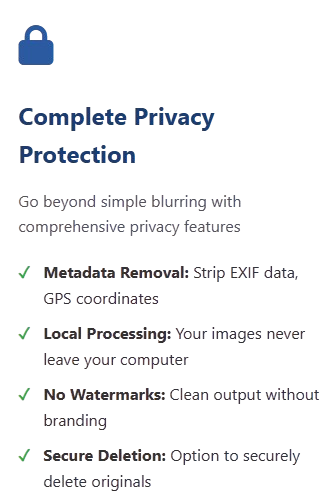
Yes, your data is 100% secure. SnapHide processes all files locally on your device. No images or documents are ever uploaded to cloud servers or external servers. All redaction happens on your computer or mobile device, ensuring complete data sovereignty. This local processing approach makes SnapHide ideal for handling sensitive documents while maintaining compliance with privacy regulations like GDPR, HIPAA, and CCPA.
What file formats does SnapHide support?
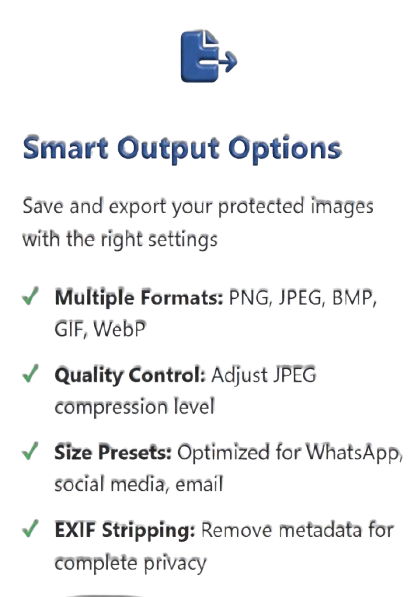
SnapHide supports a wide range of image and document formats including:
  • Image Formats: JPG, JPEG, PNG, BMP, TIFF, GIF, WebP
  • Document Formats: PDF (with text and image redaction)
  • Screenshot Formats: Supports screenshots from any application
You can drag and drop files directly into the application or use the file browser to select multiple files at once for batch processing.
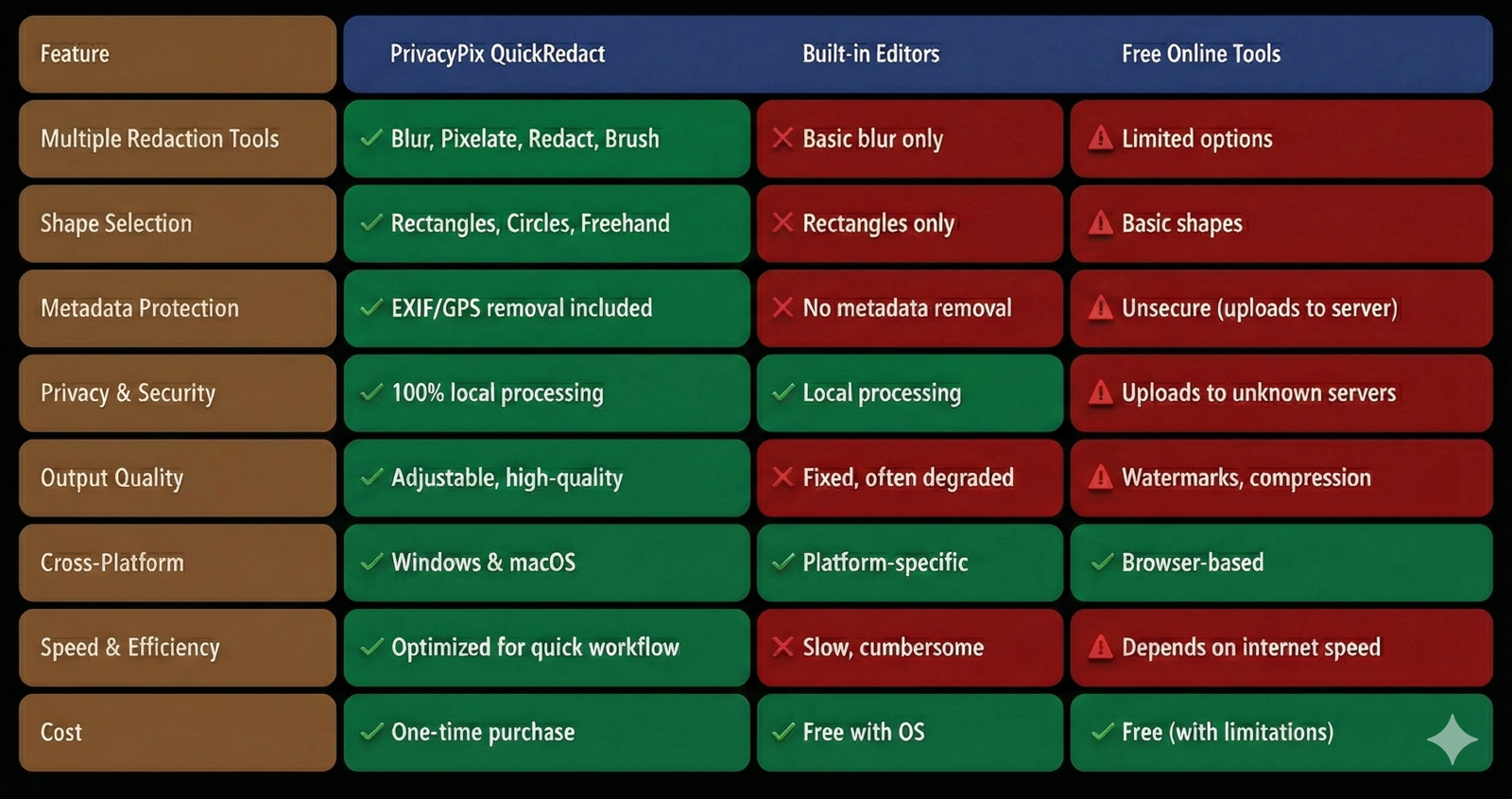
What makes SnapHide different from free blurring tools?
SnapHide offers several advanced features that free tools lack:
  • Permanent Redaction: Unlike blurring that can be reversed, SnapHide permanently removes data
  • AI-Powered Detection: Automatically finds sensitive information without manual selection
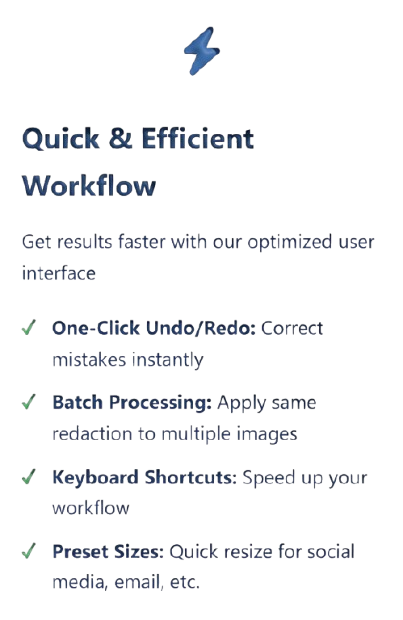
  • Batch Processing: Redact hundreds of files simultaneously
  • Cross-Platform: Available for Windows, macOS, iOS, and Android
  • Audit Logs: Track all redaction activities for compliance
  • Local Processing: No data leaves your device
Can SnapHide handle batch processing of multiple files?
Yes, SnapHide includes powerful batch processing capabilities. You can select multiple images or documents and apply consistent redaction settings across all files. This is particularly useful for:
  • Real estate agents processing multiple property photos
  • Legal professionals redacting evidence from case files
  • Researchers anonymizing participant data across studies
  • Businesses processing quarterly reports
Batch processing saves significant time while ensuring uniform privacy protection across all documents.
Is SnapHide suitable for business and enterprise use?
Absolutely. SnapHide is designed with enterprise needs in mind:
  • Compliance Ready: Meets GDPR, HIPAA, CCPA, FERPA, and other regulations
  • Enterprise Licensing: Volume discounts and centralized management
  • Audit Trails: Complete logs of all redaction activities
  • Team Collaboration: Share redaction templates and settings
  • IT Support: Enterprise deployment and support options
  • Security Integration: Works with existing security infrastructure
Many Fortune 500 companies, government agencies, and healthcare organizations rely on SnapHide for their privacy protection needs.
What operating systems are supported?
SnapHide is available across all major platforms:
  • Windows: Windows 10 and 11 (64-bit versions)
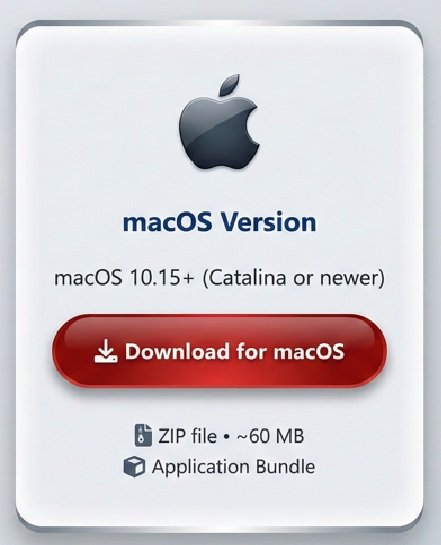
  • macOS: macOS 10.15 (Catalina) and newer
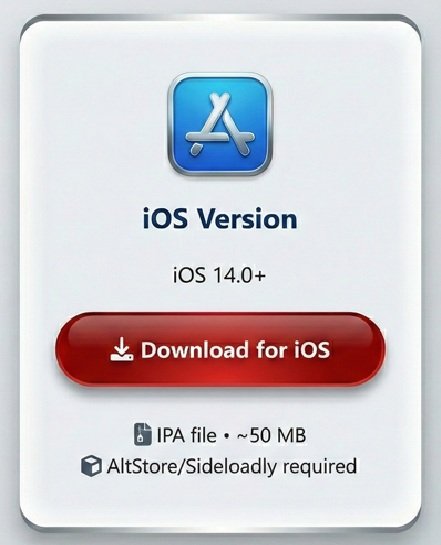
  • iOS: iOS 14.0 and later for iPhone and iPad
  • Android: Android 10.0 (Q) and newer
All versions maintain consistent functionality and security features, allowing you to work seamlessly across devices. Files redacted on one platform can be safely shared and viewed on any other platform.
Does SnapHide work offline or require internet connection?
SnapHide works completely offline. Once installed, no internet connection is required for any redaction functions. This is a key security feature that ensures:
  • No data transmission over networks
  • Functionality in secure environments without internet access
  • Privacy protection during travel or in remote locations
  • Consistent performance regardless of network conditions
Internet connection is only needed for initial download, updates, and activation (if using licensed versions).
How accurate is the automatic detection feature?
SnapHide's AI-powered automatic detection is highly accurate, trained on millions of images to recognize:
  • Faces: Human faces at various angles and lighting conditions
  • Text Areas: License plates, credit cards, ID documents
  • Sensitive Patterns: Social security numbers, phone numbers, addresses
  • Documents: Signatures, dates, account numbers
The system typically achieves over 95% accuracy in detecting sensitive information. You can always manually adjust or add redaction areas for complete control. The AI improves with each update based on user feedback and new training data.
What kind of support is available if I need help?
We offer comprehensive support through multiple channels:
  • Documentation: Detailed user guides and video tutorials
  • Email Support: Direct support at support@a1jbot.com
  • Knowledge Base: Searchable FAQ and troubleshooting articles
  • Community Forum: User discussions and tips sharing
  • Enterprise Support: Dedicated account managers for business users
  • Regular Updates: Frequent improvements and new features
Most support requests receive responses within 24 hours. Enterprise customers have access to priority support and custom deployment assistance.